Clear thinking.
Real progress.

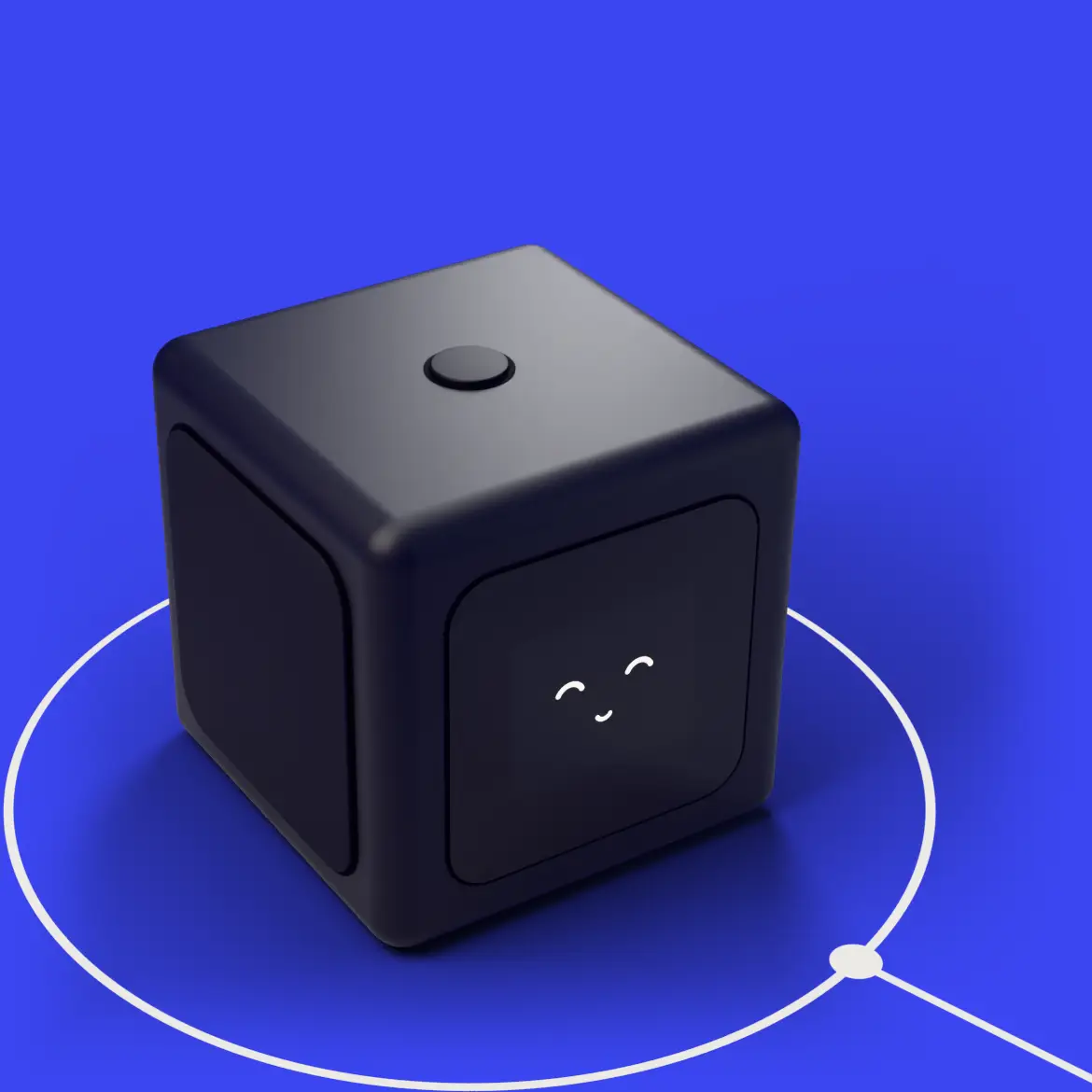
Tomi Cube on Electric Blue background

Launching soon on Kickstarter.

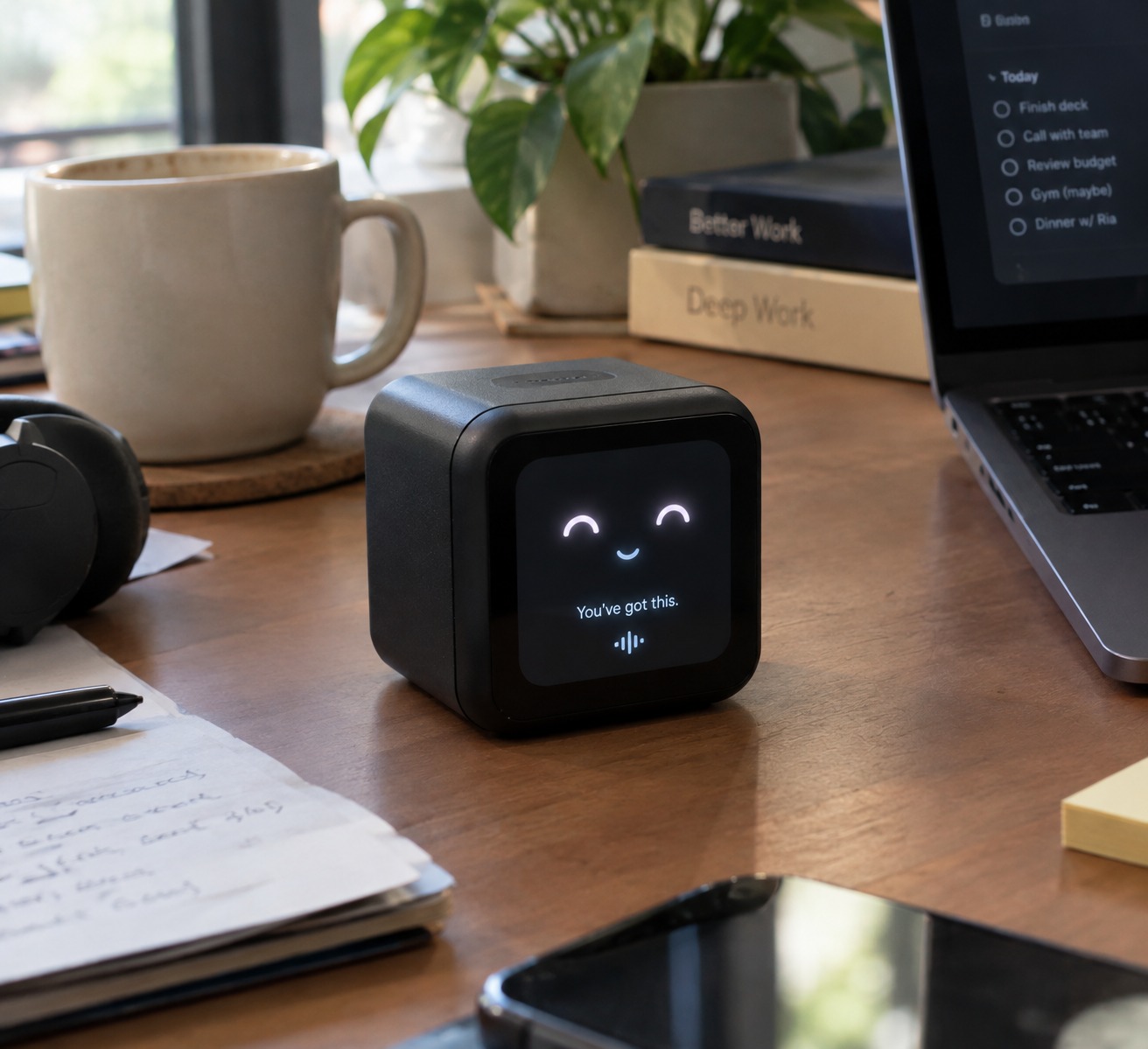
A small cube that sits beside your laptop. Press it to start one task. Talk through what's stuck. Squeeze it when the pressure builds. Tomi stays with you until you're done.

Without tomi

You have the tools to get things done. But some moments need more than answers, plans, or another productivity system.

With Tomi

More than a tool. A companion for your workday. Turn pressure into priorities, get guidance as you work, and stay focused on what matters.

68%

of workers say they don't have enough uninterrupted focus time.

Microsoft Work Trend Index, 2023

How Tomi works.

One task, one press. Tomi stays quietly present while you work and notices the moment you are done.

Tomi cube, one button on top, ready to be pressed

Press

Press the top to start one task. No app to open, no tab to close.

Tomi cube listening, sound waves on screen face

Talk

Talk through the part you're stuck on. Tomi helps you find the next step.

Tomi cube with closed eyes, breathing with you

Squeeze

Squeeze the soft sides when the pressure builds. Tomi breathes with you.

Tomi cube with a happy smile, noticing you're done

Finish

Tomi stays with you until you finish, and notices the moment you're done.

Some things are meant to stay yours. Your thoughts, your work, your privacy. Always respected by Tomi.

Support your way.

Some days you need a push to start. Some days you just need company. Pick how Tomi shows up, and change it whenever you like.

Five Tomi modes as cards: Reset, Brainstorm, Next step, Body double and Silent guide. When you feel stuck, Tomi suggests Next step.

Next stepOne clear action when you're stuck.

ResetSqueeze, breathe, start again.

BrainstormThink out loud and shape the work.

Body doubleQuiet company while you focus.

Silent guideOn-screen nudges, no sound. Only when you turn it on.

The Object

Built to sit beside you, not in front of you.

Seventy-five millimeters of quiet. A soft body you can squeeze, one button you can feel, and a face that only moves when it matters. Nothing to scroll, nothing to check. Just you, the task, and something on your desk that wants you to finish.

75 mm 1.69-inch screen Squeezable sides One button

Everything you need to know about Tomi

Ask a question
When does Tomi launch?

We launch on Kickstarter in [LAUNCH_MONTH_YEAR]. Join the waitlist and you'll get one email the day it goes live.

I already have a timer app. Isn't that enough?

Timers measure time. Tomi helps you start. It's a physical button and a calm face on your desk, so you never have to open your phone, the place where focus usually gets lost.

Do I need an app?

No phone app. Tomi works on its own as a focus timer. To name a task or talk it through, you connect it to a simple page on your laptop. [CONFIRM before publishing]

Is my screen and voice private?

Screen help only runs when you turn it on, and you can stop it at any time. [CONFIRM: no screen data stored]

What is the $1 reservation?

A $1 deposit saves your spot in the VIP group. It is fully refundable before production. We send progress updates and never store your card details.

Is there a warranty?

[CONFIRM warranty terms]

Is there a monthly subscription?

[CONFIRM AI and subscription policy]

Join the waitlist.
Begin on day one.

Early birds unlock discounts in pricing and get first access when we launch on Kickstarter.

No spam. One email when we launch.

Tomi

© 2026 Tomi

Privacy